
Workforce & Headcount Planning: Reconciled Data, Exact Numbers
Workforce headcount planning in 2026 breaks when Finance and HR disagree. See how a reconciled modeling layer gives AI exact, driver-based, scenario-ready numbers.
By The Rexfin team
The job: knowing what your people actually cost
Headcount is usually the biggest line on the P&L, and the one finance trusts least. The job sounds simple. Plan how many people you hire, when they start, what they cost fully loaded, and how that flexes if revenue moves. In practice it splinters across systems the moment you start.
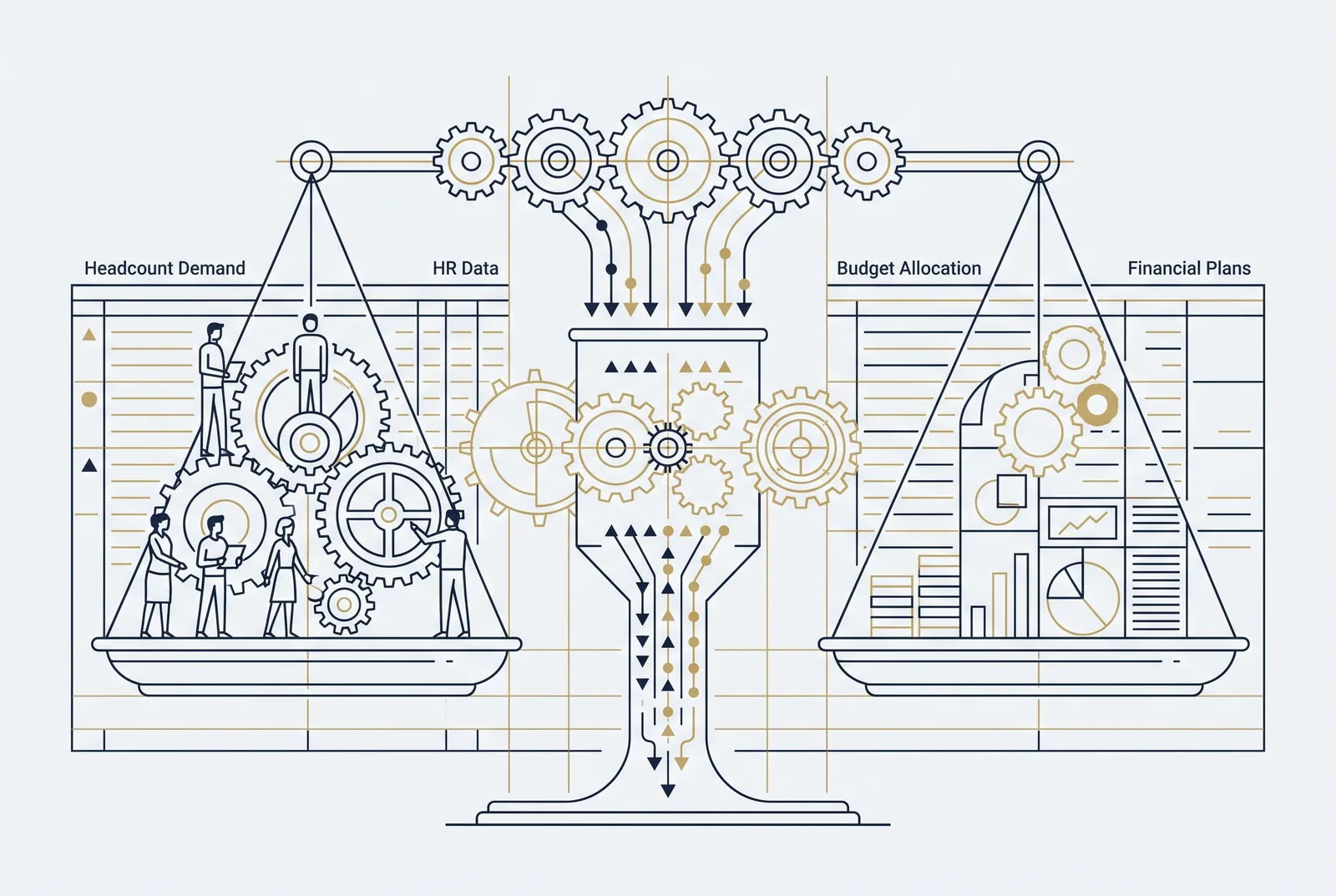
Finance keeps budgeted roles in a spreadsheet. HR keeps actual people in an HRIS. Recruiting tracks open reqs somewhere else. By the time anyone reconciles the three, the numbers have drifted and the monthly meeting turns into an argument about whose figure is right instead of which hires to approve.
Why it breaks today
Three failures show up again and again.
Separate data sets. When Finance and HR work from different sources, budgeted headcount and actual org structure quietly diverge. Gaps appear between what was approved and who is on payroll, and nobody catches it until a variance report does.
Costs that aren’t fully loaded. Salary is the easy part. Benefits, recruiting fees, equipment, and ramp time often get left out, so a plan that looked funded is underwater by Q2. Planning by job title instead of skill set hides capability gaps on top of that.
Static plans and guessing AI. An annual headcount budget can’t reflect monthly hiring changes or a revenue target that just shifted. And when teams point an LLM at this mess to “ask the numbers,” it pattern-matches a plausible figure rather than retrieving the real one. A plausible headcount cost is worthless. You need the exact one.
How FP&A tools handle it
The category has matured here. Vena and Planful run rolling headcount budgets with monthly updates and driver-based ratios, wired into joint HR and Finance workflows. Pigment and Datarails model fully loaded cost (salary plus benefits, recruiting, and equipment) and phase hires across quarters. Cube and Abacum build scenario plans (base, upside, conservative) tied to revenue and opex guardrails, and Aleph and Abacum support skill-set and capacity planning instead of headcount-by-title.
These are capable tools. The common thread in 2026 is that all of them now lean on monthly or quarterly reconciliation meetings between HR and Finance to keep the plan honest. That reconciliation is still where the work lives, and it’s still mostly manual.
How a reconciled modeling layer changes it
Rexfin sits underneath the planning work as the financial-modeling layer for AI. It connects your accounting data, ERP, HRIS, and spreadsheets, then reconciles them into one model where budgeted roles, actual people, and fully loaded costs already tie out. The reconciliation isn’t a meeting. It’s the data structure.
On top of that model, AI behaves differently. It retrieves the exact fully-loaded cost of a role instead of estimating it. It calculates hiring impact deterministically, so the same question returns the same number every time. And it runs scenario plans that flex with your revenue drivers: change the revenue-per-head ratio and the hiring plan recomputes against the actual figures, not a guess. Every number traces back to its source, which is what makes the output safe to put in front of a CFO.
To be clear about scope: Rexfin isn’t replacing your FP&A suite. It’s the trustworthy data and modeling layer that makes AI usable on headcount data in the first place.
Old way vs. with a reconciled model
| Headcount planning task | Old way (manual + guessing AI) | With Rexfin’s reconciled model |
|---|---|---|
| Finance vs. HR data | Separate sets, drift unnoticed | One reconciled model, budgeted ties to actual |
| Fully loaded cost | Salary only, ramp and benefits missed | Exact loaded cost retrieved per role |
| AI answers a cost question | Plausible figure, no source | Exact figure, traceable to source |
| Calculations | Re-derived by hand each time | Deterministic, repeatable |
| Scenarios | Static annual plan | Driver-based, recomputes with revenue |
| Reconciliation | Manual monthly meeting | Built into the data layer |
| Audit trail | Rebuild it after the fact | Every number tied to its origin |
What this gets you
Fewer reconciliation fire drills, a headcount plan that moves when the business does, and AI you can actually trust on your most expensive line. The point isn’t more dashboards. It’s that the numbers tie out, every time someone asks.
FAQ
How much does Rexfin cost for headcount planning? Pricing scales with your data sources and modeling needs rather than per-seat. Because Rexfin is the modeling layer beneath your FP&A suite, not a replacement for it, most teams add it alongside their existing tools. Book a demo for a scoped quote against your stack.
How long does setup take? Connecting accounting data, ERP, HRIS, and spreadsheets is a configuration task, not a re-platforming project. Most teams get a reconciled headcount model (budgeted roles tied to actual people and fully loaded costs) live within days, not the quarters an FP&A implementation usually takes.
Do we have to migrate off our current FP&A tool? No. Rexfin sits underneath Vena, Planful, Pigment, and the rest as the reconciled data and modeling layer. You keep your planning suite; Rexfin makes the underlying headcount data exact and AI-ready.
How do you keep the numbers accurate and secure? Reconciliation is built into the data structure, so budgeted and actual headcount tie out continuously instead of at a monthly meeting. Every figure traces back to its source system, which is what makes AI output safe to put in front of a CFO. Your financial data stays governed by that source-level audit trail.
See how the reconciled model handles your headcount data: book a demo.
In practice
While you evaluate Workforce & Headcount Planning, this is what a verified number looks like.
Export review
FY2025 board pack.xlsx
- 2 extractors agree
- Reconciles to printed total
- Identity checks pass
See also
- Board and Management Reporting for Finance
- Budget vs Actual Variance Analysis: Why It Breaks, and How to Fix the Data Layer
- Cash Flow Forecasting: Why It Breaks, and What a Reconciled Model Fixes
- Driver-Based Planning: Why It Breaks, and What Fixes It
- Month-End Close Automation: From Manual Reconciliation to a Reconciled Model AI Can Trust